The studio, flagship
From a shoebox to a website
Drop in what a small business actually has: a flyer or a PDF, a few photos, a voice memo from the owner. Six Mistral models read, look, listen, plan, draw and design, and you get a website you can download and own. Every call goes from your browser to Mistral with your own key, and you see each one before it is sent.
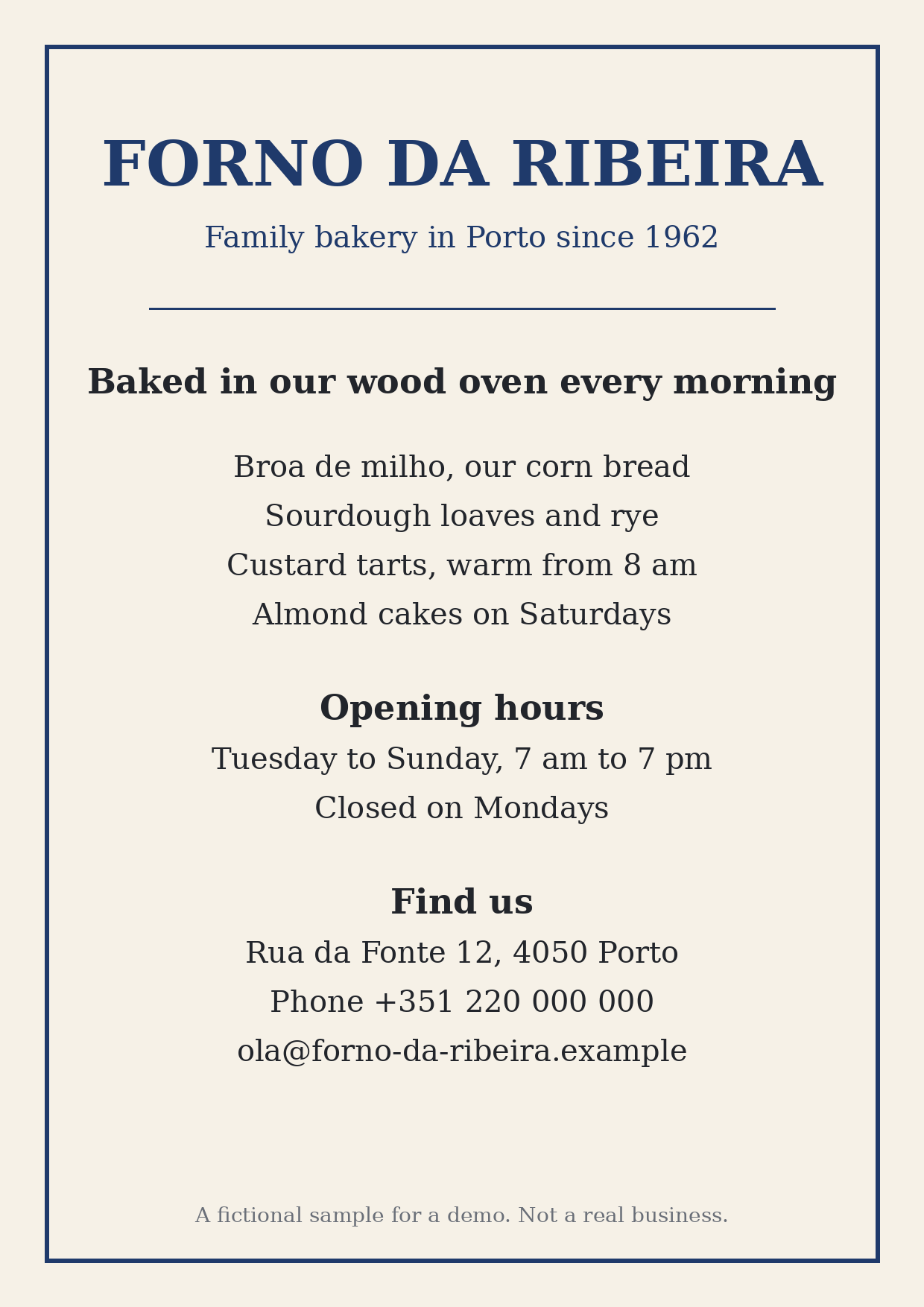
A real run on a fictional bakery, replayed from a file on this site. Nothing is sent.
1. What you have
Up to one document, four photos and one voice memo. They stay in this tab until you send them, and then go only to Mistral.
Your document, photos and recording are sent to Mistral (api.mistral.ai or the EU endpoint you chose) to be read. Use only files you have the right to share: no other people's personal details, faces or voices without their agreement, and nothing confidential. Try the samples instead. Location data in photos is removed before sending: each photo is redrawn in this tab first.
Document
A flyer, menu or brochure
PDF, PNG, JPEG or WebP, up to 10 MB. Read by Mistral OCR.
Photos
Your shop, your work
Up to four JPEG, PNG or WebP photos. Described by Mistral Small.
Voice memo
Say it in your own words
An audio file up to 10 MB (MP3, WAV, M4A, OGG). Transcribed by Voxtral.
Nothing chosen yet.
2. Your Mistral key
Your key stays in this tab's memory and goes only to the Mistral endpoint you choose.
If your browser offers to save this key as a password, choose Never.
No key set.
Mistral's Free mode: what you send may be used to train Mistral's models unless you switch that off, so send nothing confidential.
Where your key goes
It goes in the Authorization header, and only when a call is sent. It is never stored, never shown, never sent to this site, and gone when you close or reload the tab. Use a key with a spending limit.
On Mistral's free plan, what you send through the API may be used to train Mistral's models unless you switch that off in your Mistral admin panel (how to opt out, as read on 21 November 2026).
3. Merge
Choose your files (or the sample) and set your key, then start.
What this call sends, and to whom
Nothing yet.
4. Your website
It appears here when the merge is done.
The preview cannot run script or fetch anything: it has sandbox="" and its own content security policy.
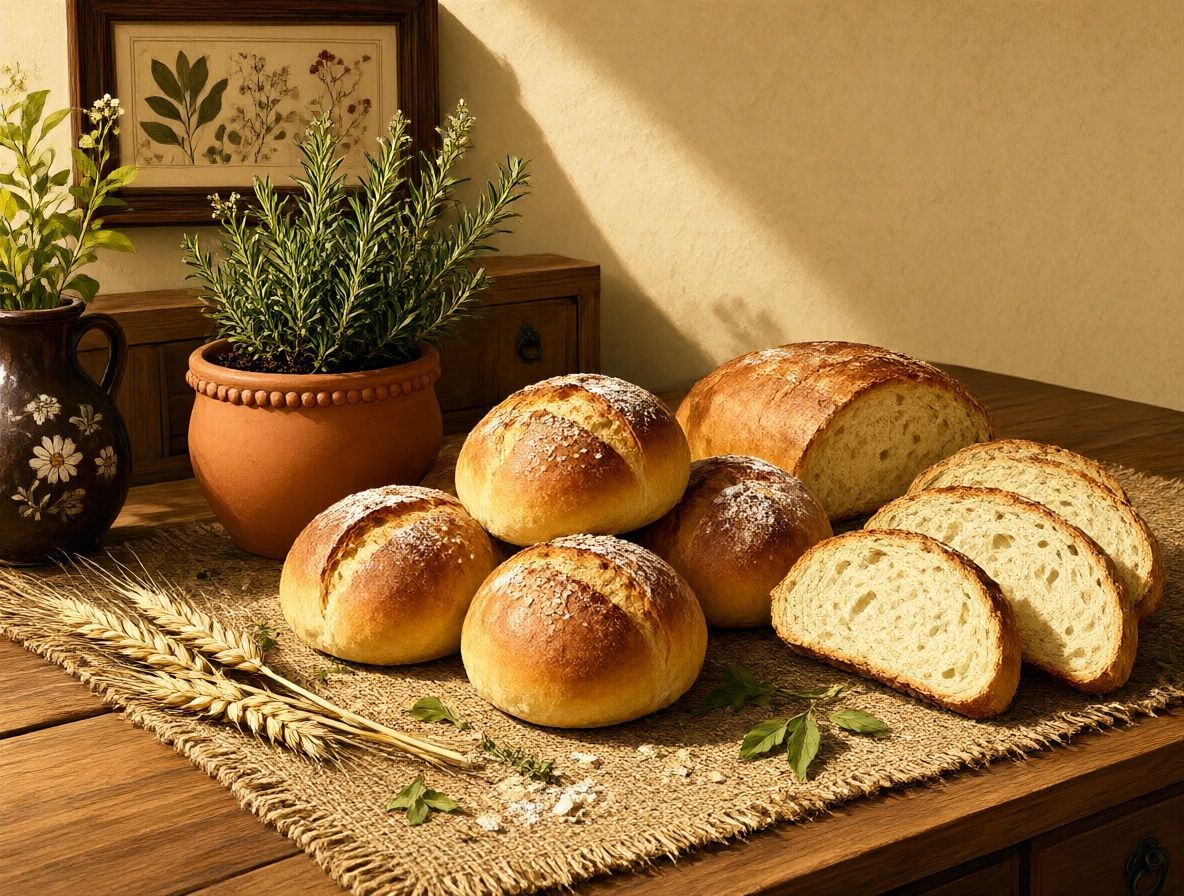
The header picture, drawn by Mistral
What was kept, and why
Every fact and paragraph on the site must carry the exact words it came from, in your document or your memo. This page checks each quote word for word, in code. Anything whose quote it cannot find is left out of the site.
| On the site | Value | The words it came from | Found word for word? |
|---|---|---|---|
| Nothing yet. | |||
Every call made from this tab
| Time | To | Model | For | What was sent | Status | Time taken | Usage and cost |
|---|---|---|---|---|---|---|---|
| No calls yet. Nothing has been sent from this tab. | |||||||
Kept in memory in this tab only. Costs are estimates from Mistral's published list prices (pricing, as read on 21 November 2026), times 1.1 on the EU endpoint; models without a published row, and the image tool, say "not computed". Not an invoice.
How it works, and what it does not claim
- The six calls, in order:
POST /v1/ocr(mistral-ocr-latest),POST /v1/chat/completionsonce per photo (mistral-small-2603),POST /v1/audio/transcriptions(voxtral-mini-transcribe-3),POST /v1/chat/completions(mistral-medium-latest, Mistral Medium 3.5, with a JSON schema),POST /v1/conversationswith the image generation tool (mistral-medium-latest), andPOST /v1/chat/completions(codestral-2508). All go to the Mistral endpoint you chose, and nowhere else. - The words on the site are written by Mistral Medium 3.5, but each fact and paragraph must carry quotes from your document or memo, and is checked in code; the model writes no HTML. The page is built in code from the checked plan, so nothing the model writes can run.
- The stylesheet is written by Codestral. It is kept only if it loads nothing from anywhere (no
@import, no outsideurl()). A small fixed stylesheet,guard.css, loads after it to keep the name, the menu, the captions and the footer readable. - The header picture is drawn by Mistral's image tool and served from Mistral's storage at
mistralaiblackforestprod.blob.core.windows.net, which this page shows but cannot copy (it does not allow pages to read it). The zip therefore carries a geometric header in your photos' colours, drawn in your browser; save Mistral's picture yourself if you want it. Its link stops working after about an hour. - The photo captions and alt text are written by Mistral Small from your photos; check them, as a model can see what is not there.
- Under Mistral's Commercial Terms of Service the customer "owns all Output" (section 3.1), as read on 21 November 2026.
- The recorded run used the fictional sample: a flyer drawn in code, three photos made by Mistral's image tool and a memo spoken by Voxtral. Forno da Ribeira is not a real business. The run is in recorded.json, as the models answered.